

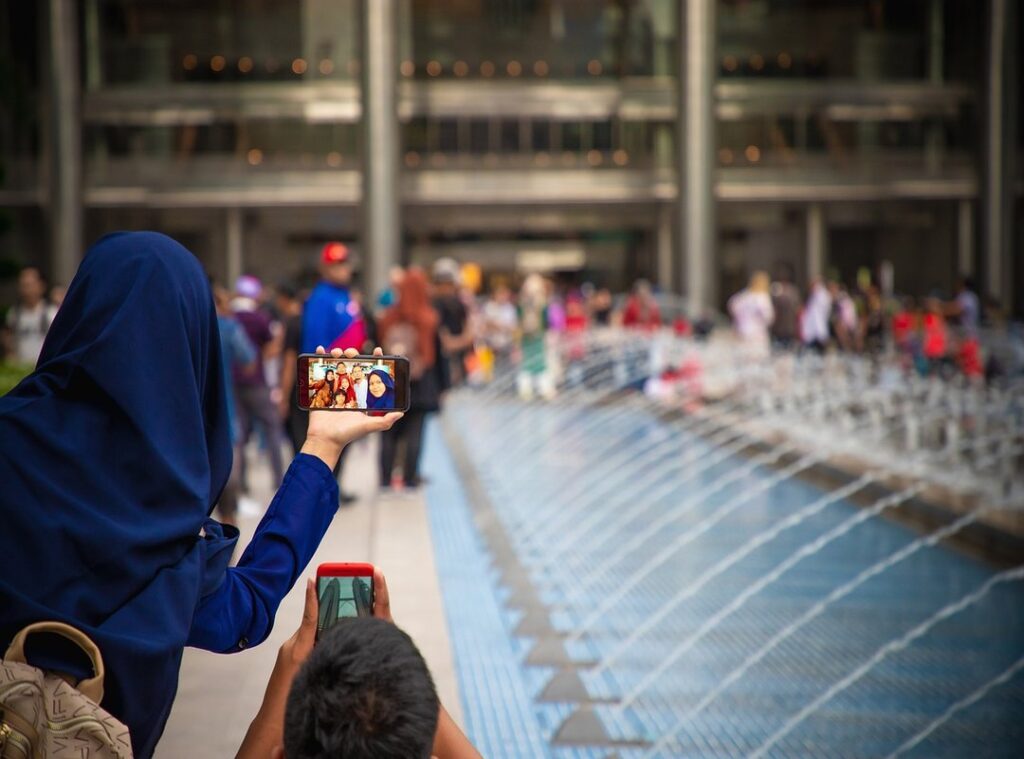
You’ve probably seen those high-quality, stylish mirror selfies on Instagram, TikTok, and Pinterest. They look so effortless and cool. But let’s be real, when you try to take one, it often ends up looking awkward or poorly lit.
Why is that? Well, there’s a lot more to it than just pointing your phone at a mirror.
This article promises to give you a complete, step-by-step guide for mastering the iphone boy mirror selfie aesthetic every time.
It’s not just about vanity. It’s about capturing and expressing your personal style in a digital world. And hey, who doesn’t want to look good in their photos?
The Foundation: Your Mirror, Background, and iPhone Settings
Let’s start with the mirror. For outfit shots, a full-length mirror is essential. It captures your entire look from head to toe.
If you’re more into portraits, a smaller mirror works just fine. Just make sure it’s clean for a crisp photo.
Now, about the background. A clean, minimalist background (like a plain wall or simple decor) gives a sleek, professional vibe. On the other hand, a ‘curated mess’ background (think art prints, plants, or even a sneaker collection) adds personality and depth.
Choose based on the aesthetic you want to achieve.
Moving on to your iPhone settings, and use the back camera for higher quality. Stick to 0.5x or 1x zoom.
Turn on the grid to help with composition. Manually tap to focus and adjust exposure before shooting. This makes a huge difference in the final result.
How you hold the phone can create different effects. For an anonymous look, partially cover your face. To showcase a full outfit, hold the phone to the side.
Experiment and see what works best for you.
Natural light is your best friend. Stand near a window for the most flattering results. But if you’re going for a grittier, Y2K-style aesthetic, don’t be afraid to use flash.
It can add a cool, edgy vibe to your photos.
Pro tip: Try the iphone boy mirror selfie aesthetic for a trendy, modern look. It’s all about the right angle and a bit of attitude.
Posing 101: How to Look Confident and Natural
Looking natural in photos can be a real challenge. You want to look relaxed, not stiff, and relaxed posture is key.
Try leaning against a doorframe or slouching slightly in a chair. It makes a big difference.
What about your free hand? Put it in a pocket, rest it on your leg, or hold a prop like a coffee mug or book. These small adjustments can make you look more at ease.
The gaze is powerful. Looking directly at your reflection in the mirror gives one vibe. Looking down at your phone screen or away from the camera entirely creates a different feel.
Choose based on the mood you want to capture.
Outfits guide the pose too. A streetwear outfit might call for a more confident, wide-legged stance. A casual outfit works well with a seated, relaxed pose.
Think about how your clothes fit the overall aesthetic.
Taking a burst of photos or a Live Photo can help. It captures a more candid, in-between moment that feels less staged than a single, static pose. This is especially great for that iphone boy mirror selfie aesthetic.
Remember, the goal is to look natural and confident. Experiment with these tips and see what works best for you.
Choose Your Vibe: 4 Popular Aesthetics to Try Today

Let’s dive into some of the most popular aesthetics out there. Clean & Minimalist is all about simplicity. Think neutral colors like whites, blacks, and grays. iphone boy mirror selfie aesthetic
The background should be uncluttered, and lighting should be bright and even. It’s all about highlighting shape and form.
Streetwear & Hype is a different ball game. This aesthetic is all about showcasing specific brands, graphic tees, and sneakers. Poses are often more dynamic.
You might see skateboards or shoe boxes in the background. It’s a vibe that’s all about energy and movement.
Moody & Artistic takes a more contemplative approach. Lower light, shadows, and warmer editing tones create a moody atmosphere. Outfits might include textured materials like sweaters and corduroy.
Poses are more thoughtful, adding to the overall mood.
Vintage & Film is a throwback. Direct flash and grainy textures in editing give it an old-school feel. Retro-inspired clothing is a must.
Poses can be more candid and playful, capturing a nostalgic and fun vibe.
I get it, choosing an aesthetic can be overwhelming. Sometimes, you might not know which one fits you best. That’s okay.
Experiment with different looks and see what resonates.
The iphone boy mirror selfie aesthetic is a great example of how a simple setup can make a big impact. It’s all about the casual, effortless look. Just grab your phone, find a good angle, and snap.
No need for fancy equipment or setups.
Remember, these are just guidelines. Feel free to mix and match elements from each aesthetic to create something uniquely yours. There’s no right or wrong way to express yourself.
The Final Touch: Simple Edits on Your iPhone to Elevate Your Photo
Editing photos on your iPhone can be as simple as a few taps. Think of it like adding the right spices to a dish—just enough to enhance the flavor, not overpower it.
First, open the photo in the native Photos app. Start by slightly lowering the Exposure. This is like dimming the lights in a room to create a more intimate atmosphere.
Next, increase the Contrast for a bit more punch. It’s like turning up the volume on a song to make it more dynamic and engaging.
Lifting the Shadows brings back detail, much like how a good conversation can bring out the best in people. It adds depth and character.
Adjusting the Warmth is key for setting the mood. It’s like choosing the right color for a room—it can completely change the feel of the space.
For more advanced filters, apps like VSCO or Lightroom Mobile are great. They’re like having a professional makeup artist for your photos. Search for filter codes or presets that match your desired aesthetic, whether it’s moody, clean, or film.
Adding a subtle grain effect can make a digital photo feel more tangible and less sterile. It’s like the texture of a well-worn book—adding a touch of nostalgia and warmth.
Cropping is crucial. A strategic crop can remove distracting background elements, fix a tilted composition, and draw the viewer’s eye to the subject. It’s like framing a picture perfectly on a wall—everything just falls into place.
Try these tips on an iphone boy mirror selfie aesthetic. You’ll see how a few simple edits can transform a good photo into a great one.
Now It’s Your Turn to Capture the Perfect Shot
Taking a great mirror selfie is a skill that combines setup, posing, and editing. You now have all the tools and knowledge needed to dramatically improve your photos.
iphone boy mirror selfie aesthetic is just one of the many styles you can explore.
Pick one aesthetic from the list and try to replicate it using the tips provided. Go ahead and capture that perfect shot!
 Berthalizan Adams contributes a compassionate and insightful touch to What U Talking Bout Family, supporting its mission to explore family dynamics, parenting growth, and everyday moments that matter. Through a balanced and uplifting approach, Berthalizan helps create a space where families feel understood, inspired, and connected.